
Common 3D Design Mistakes and How to Avoid Them

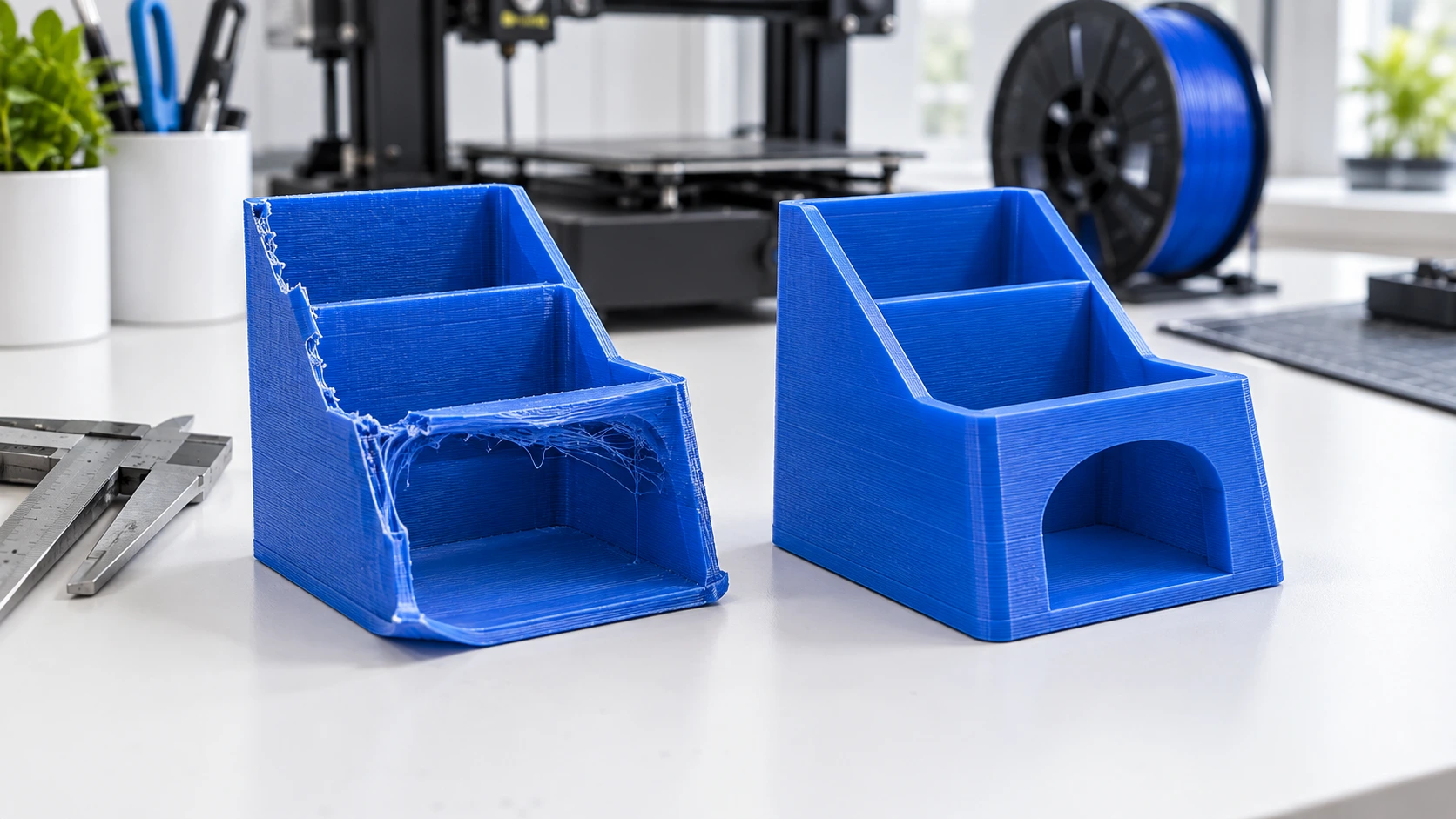
When you are new to 3D printing, some design mistakes can cause failed prints, weak parts, or poor surface quality. Here are the most common problems and simple ways to avoid them.
1. Making Walls Too Thin
Very thin walls may not print correctly or can break easily.
How to avoid it:
Use a suitable wall thickness for your printer, nozzle, and material. If you are unsure, test a small part first.
2. Ignoring the Print Size
A design may look correct on your computer but be too large or too small for your printer.
How to avoid it:
Check the model dimensions before slicing and make sure it fits on the printer’s build plate.
3. Using Too Many Supports
Supports help print difficult shapes, but unnecessary supports waste material and increase printing time.
How to avoid it:
Change the model’s orientation first. Try to design parts so they can be printed with fewer supports.
4. Forgetting About Overhangs
Some parts extend outward without enough material underneath them. Large overhangs can print poorly.
How to avoid it:
Reduce the overhang, change the printing angle, or add supports where needed.
5. Designing Without Thinking About Strength
A model may look good but still be weak. Small connections and thin sections can break under pressure.
How to avoid it:
Make important areas thicker and use rounded corners or stronger connections where possible.
6. Not Checking the Model for Errors
A 3D model can contain holes, broken surfaces, overlapping parts, or other problems.
How to avoid it:
Check the model in your 3D software or slicer before printing. Repair any detected errors.
7. Using the Wrong Orientation
Printing the model in the wrong direction can increase supports and make some areas weaker.
How to avoid it:
Think about how the finished object will be used. Place important surfaces and strong areas in a suitable printing direction.
8. Forgetting Tolerances
If two printed parts need to fit together, making them exactly the same size can cause problems because 3D printers have small dimensional differences.
How to avoid it:
Leave a small gap between parts that need to move or fit together. Test the fit with a small prototype first.
9. Skipping the Slicer Preview
Starting a print without checking the sliced model can lead to surprises.
How to avoid it:
Always preview the layers before printing. Look for missing areas, unwanted supports, and parts that do not look correct.
Quick Checklist
Before printing, check:
- Wall thickness
- Model size
- Overhangs
- Supports
- Strength
- Model errors
- Print orientation
- Part tolerances
- Slicer preview
The main lesson: A good 3D design is not just about how the model looks. It must also be designed with the printer, material, strength, size, and printing process in mind.